

Online chats can be helpful for homework support among peers and the like. However, recently there have been some misunderstandings, verbal conflicts and other seriously negative comments taking place on a chat site called Discord.
While this is happening when students are off campus, it has created problems at a few of our schools. Although district-issued devices have multiple safety features, students may still have access to online chat services—Skype, Whatsapp and Discord—through cell phones and game stations at home or at a friend’s house. Users are supposed to be age 13 or older to create an account, but most services do not verify the age.
“We continue in our partnership with parents and want them and other family members to be aware of this situation so they can support safe online use at home as we support it at school,'' said Superintendent Shelly Viramontez.
Online Monitoring Suggestions for Parents:
- School-issued devices have multiple safety features. The devices we provide to students use multiple layers of security to limit their exposure to undesirable online content while still allowing legitimate educational use. Our web filter, Securly, blocks all websites categorized as chat/messaging. Another filter, called Gaggle, monitors all student email and drive activity for inappropriate language and content and notifies administrators of anything signaling harm to student health and safety.
- Check with your Internet provider about parental controls. ATT, Xfinity, DISH and other internet providers offer parental controls that you can use at home.
- Learn privacy settings for the apps and devices your family uses: Common Sense Media’s Privacy and Internet Safety web page offers instructions for setting parental controls on game stations, cell phones, and more. It has a special page about Discord, too. Discord also offers a Discord app safety – What parents need to know page with instructions.
- Monitor screen-time and focus on wellness: Overuse of technology has an impact on physical and mental health. There is a Wellness Week session for students about the emotional impacts that social media can have on them. Common Sense Media also offers guides and advice about screen time.
- Encourage Digital Citizenship: At school, students learn how to use technology safely, responsibly, and effectively. Talk to your child about what they learn about using computers at school. Tell them your expectations for them and listen when they talk to you about their online experiences.
“Technology is how our children are going to interact with the world," Viramontez said. "We want to engage them in using it effectively as a tool for creating and learning, and not as a distraction for a passive consumer.”
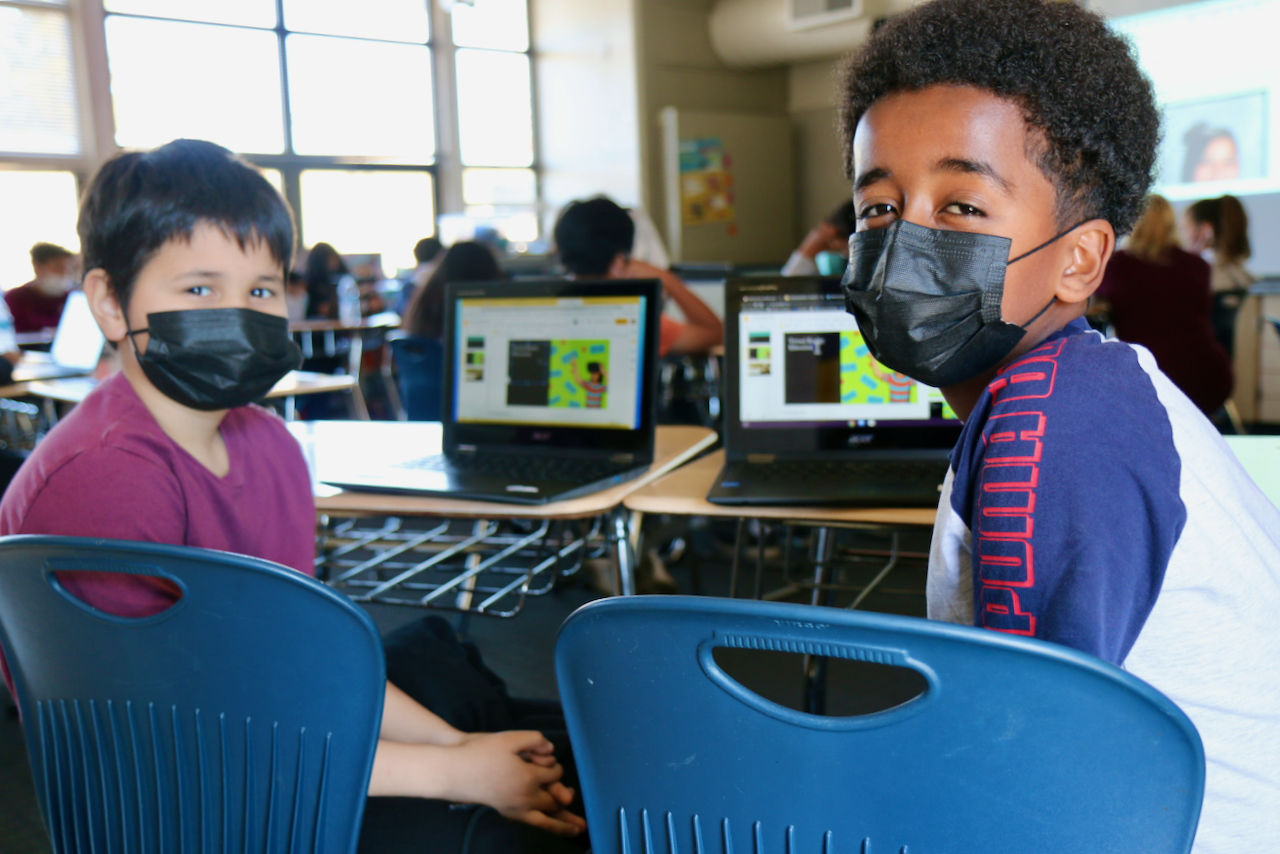
 “There will be plenty of money for schools,” Tesfay says. “The facilities will be great and have everything students need for learning.” Holographic teachers, artificial intelligence, virtual reality devices, and 3-D printers will be as standard as laptops, pencils and projectors are today, says Aaron. In their vision, students will have much more real-life and virtual learning experiences that take place anywhere in the world. And while students will be more self-directed, they will still need live teachers to bond with students and guide them in learning.


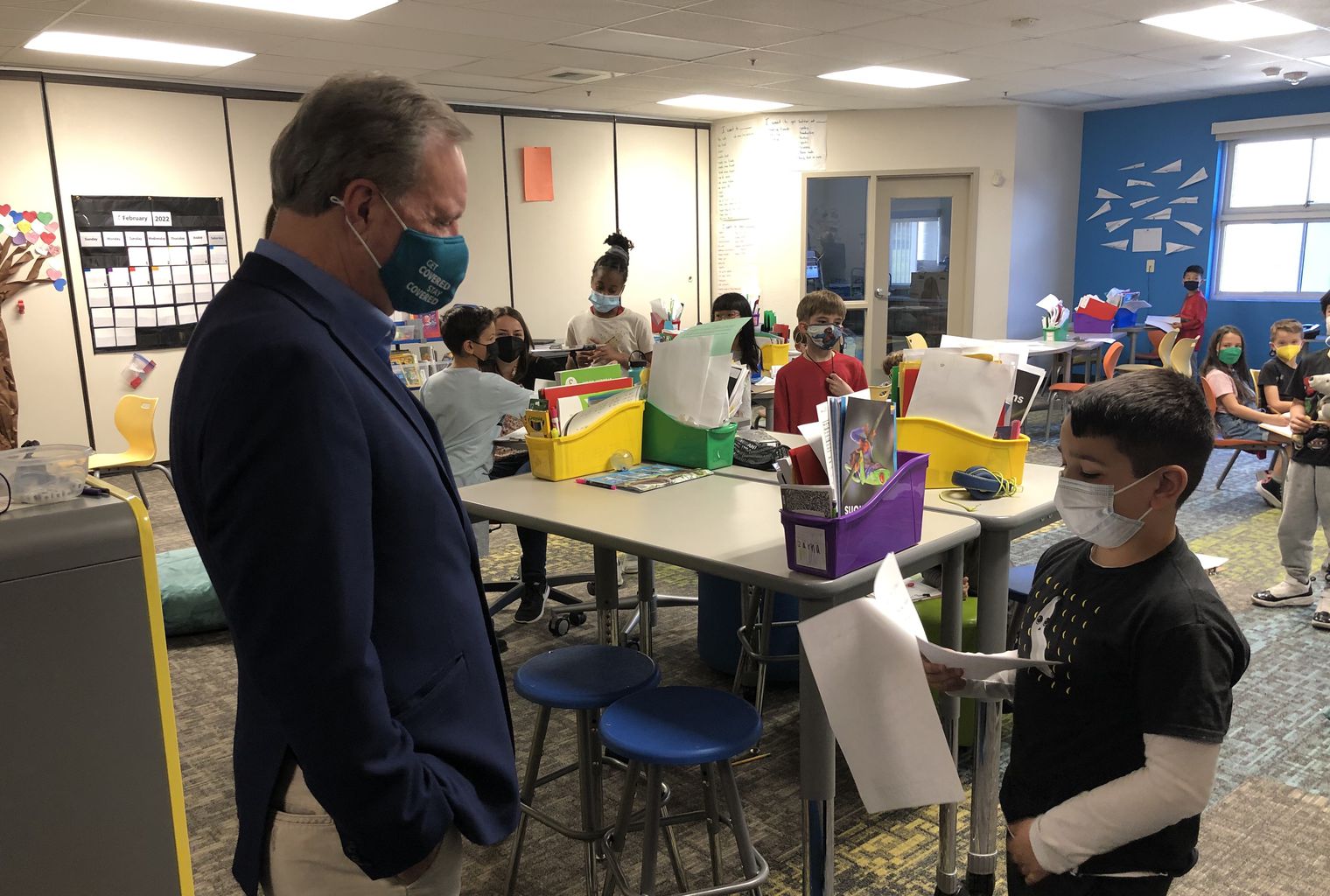
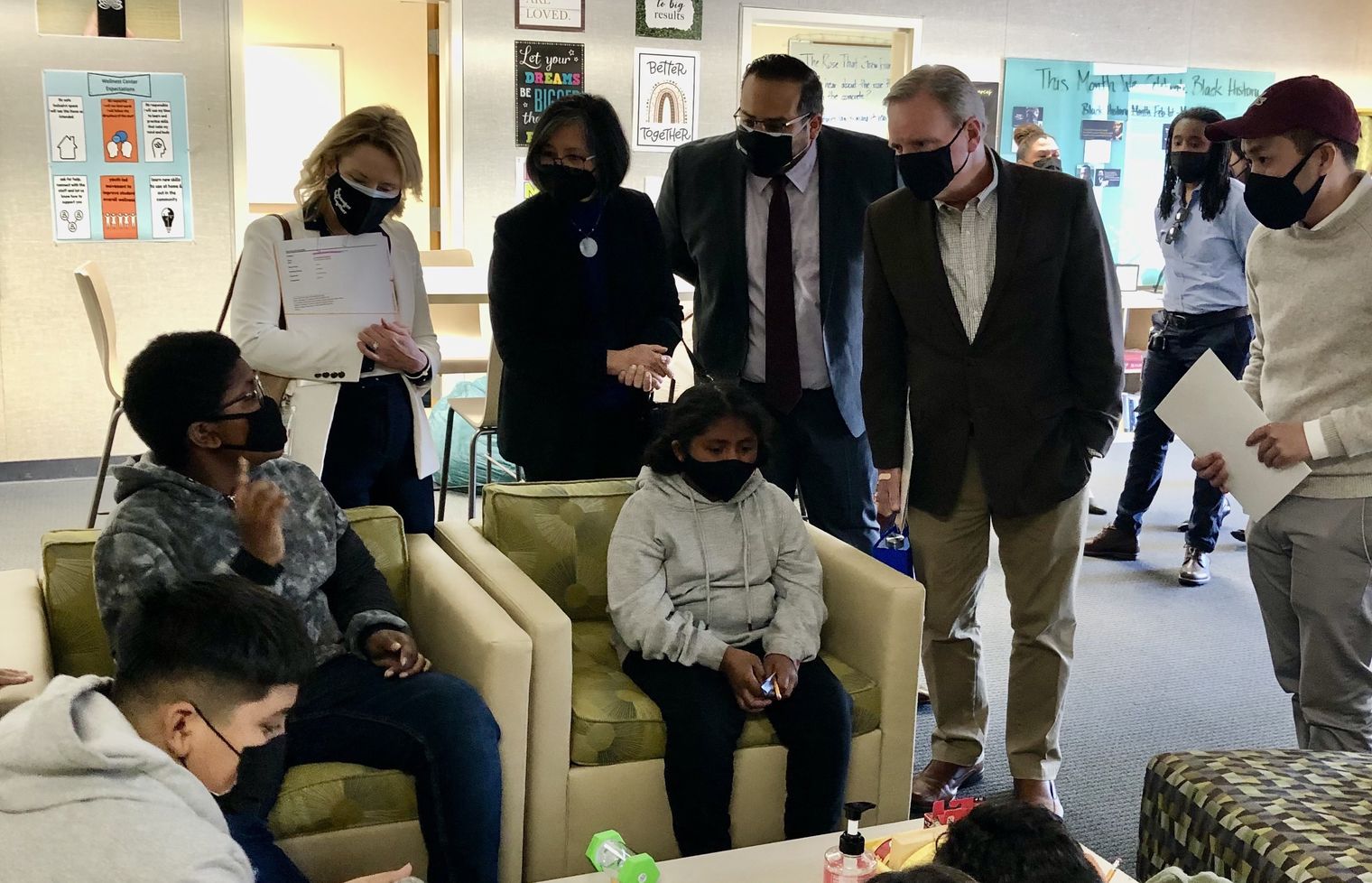
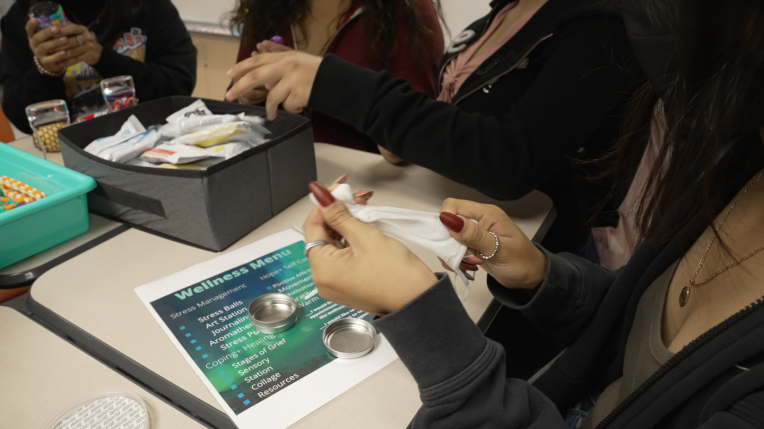 “This is a great place to get away from worries, do homework, and focus on wellness,” said Geonnie, one of the 20 students comprising the sixth grade Council. “There are a lot of different things to do here,” said Council member Elda, who pointed to choices such as listening to music, having a snack, drawing, talking with a friend about something troubling, getting homework help, or just being quiet and relaxed. Mike, who joined the Council because he wanted to help others know about the Wellness Center, wants to see it continue as a safe, positive place for students to relax.
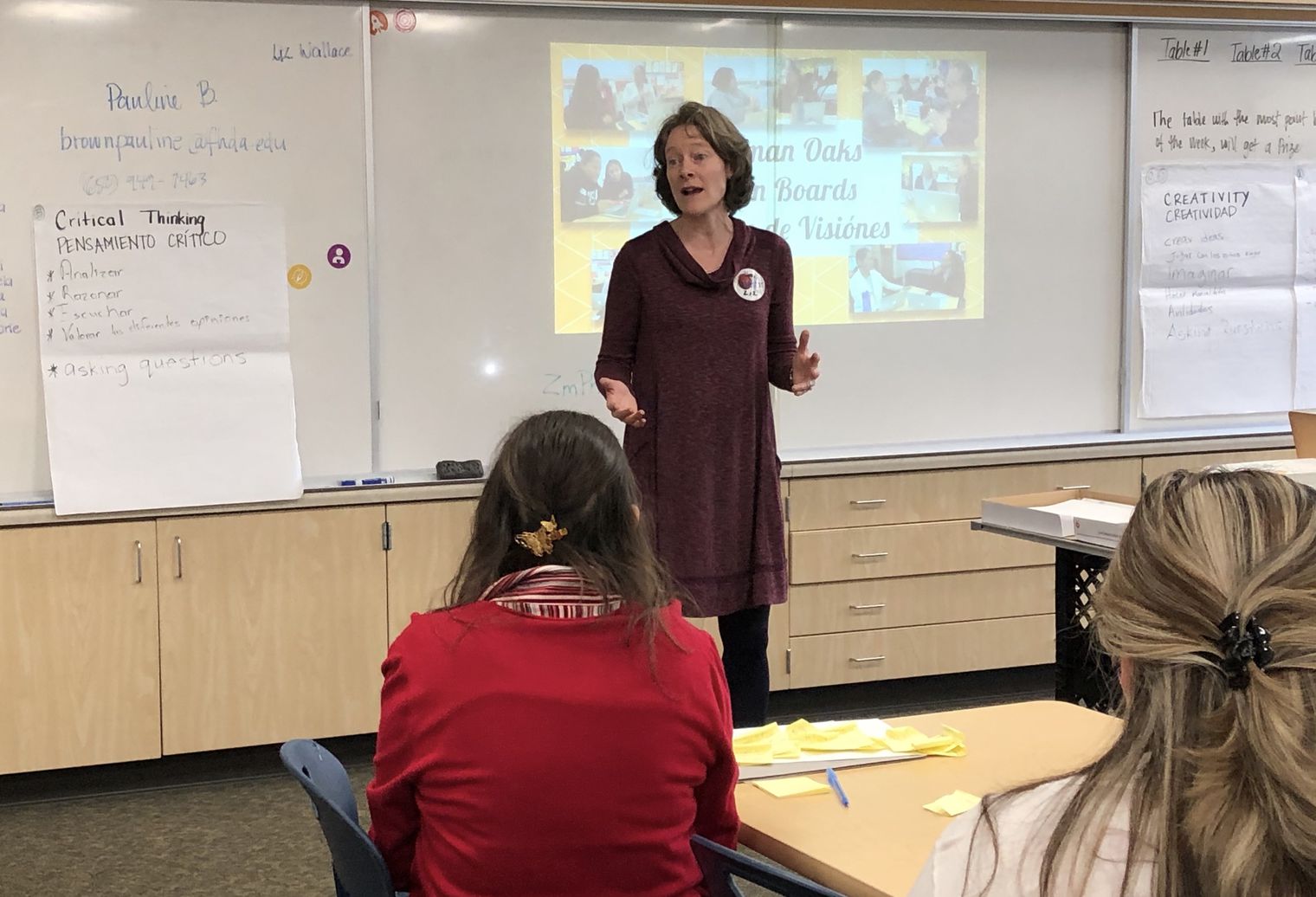
 Pictured here: One of many groups of parents who have graduated from the FEI in CUSD classes. (photo taken pre-pandemic)